Both parents, one timeline
Invite by email or link. Entries appear on the other phone as they're logged.
iPhone · Android · Apple Watch
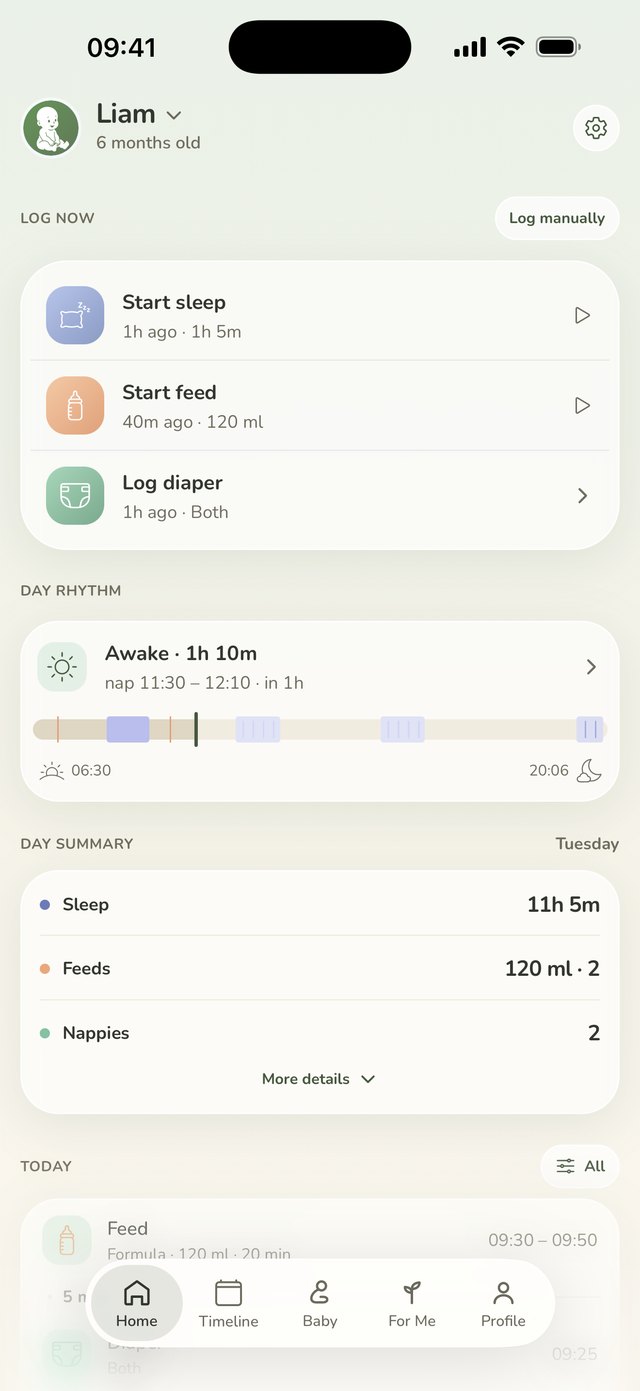
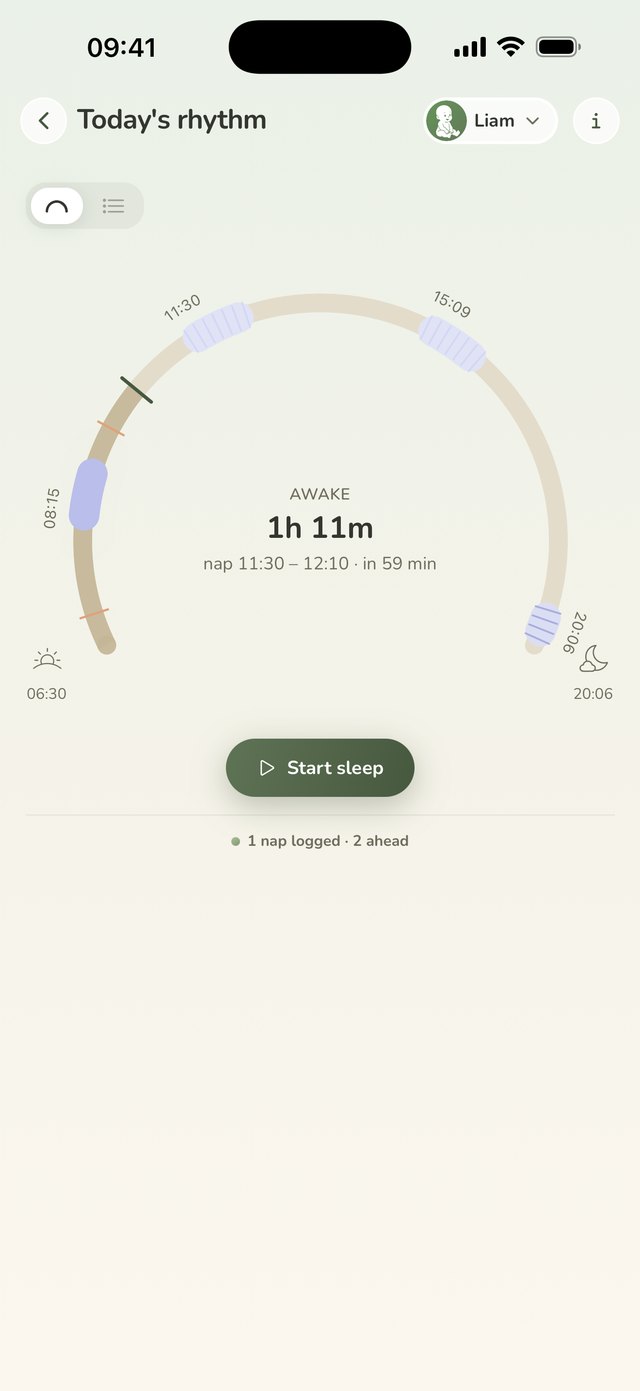
Wake windows read from your own baby's sleep, not from an age table, so the app says when the next sleep window opens. Feeds, naps, diapers, growth and milestones in one tap, on the same timeline as the other parent.


Why it exists
Is today going OK?
One tap logs a feed, a nap or a diaper. The home screen answers "when was the last one?" before you've finished asking.
Are they growing the way they should?
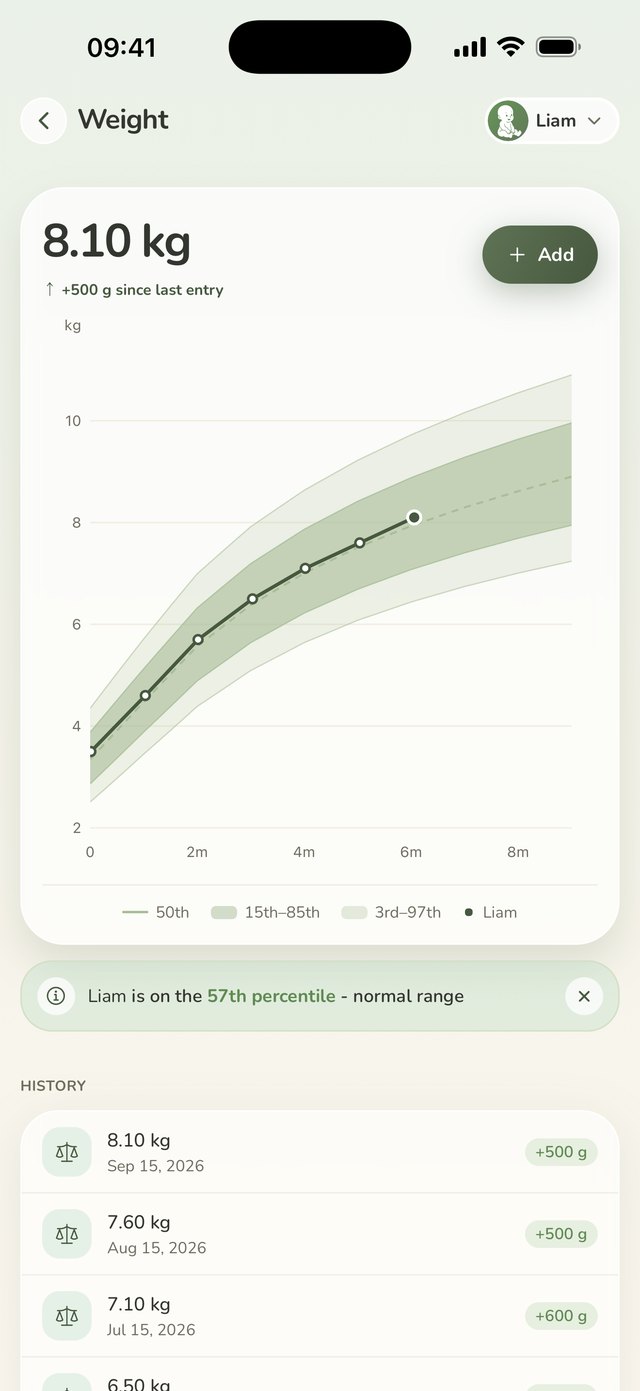
Weight and height land on the official WHO curve, with the percentile written out as a sentence and the milestones that belong to the month you're in.
And how am I holding up?
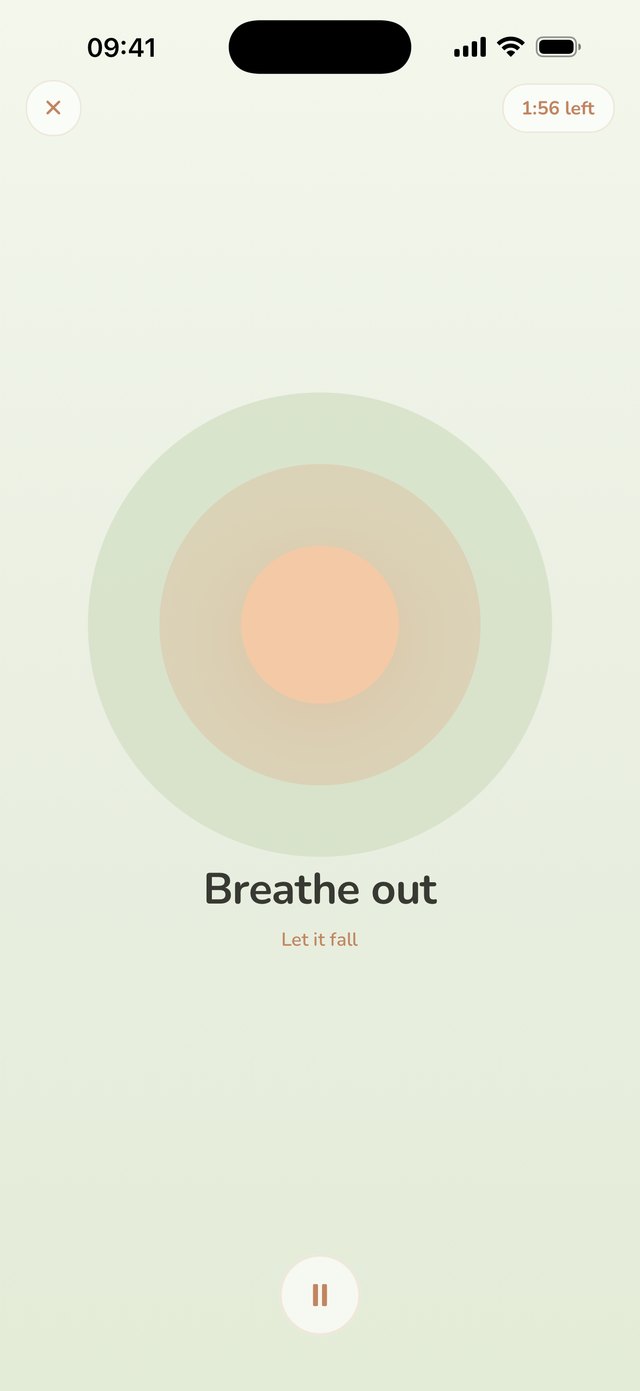
A daily check-in that's only about you: energy, mood, body, your own sleep, plus two minutes of guided breathing.
Track
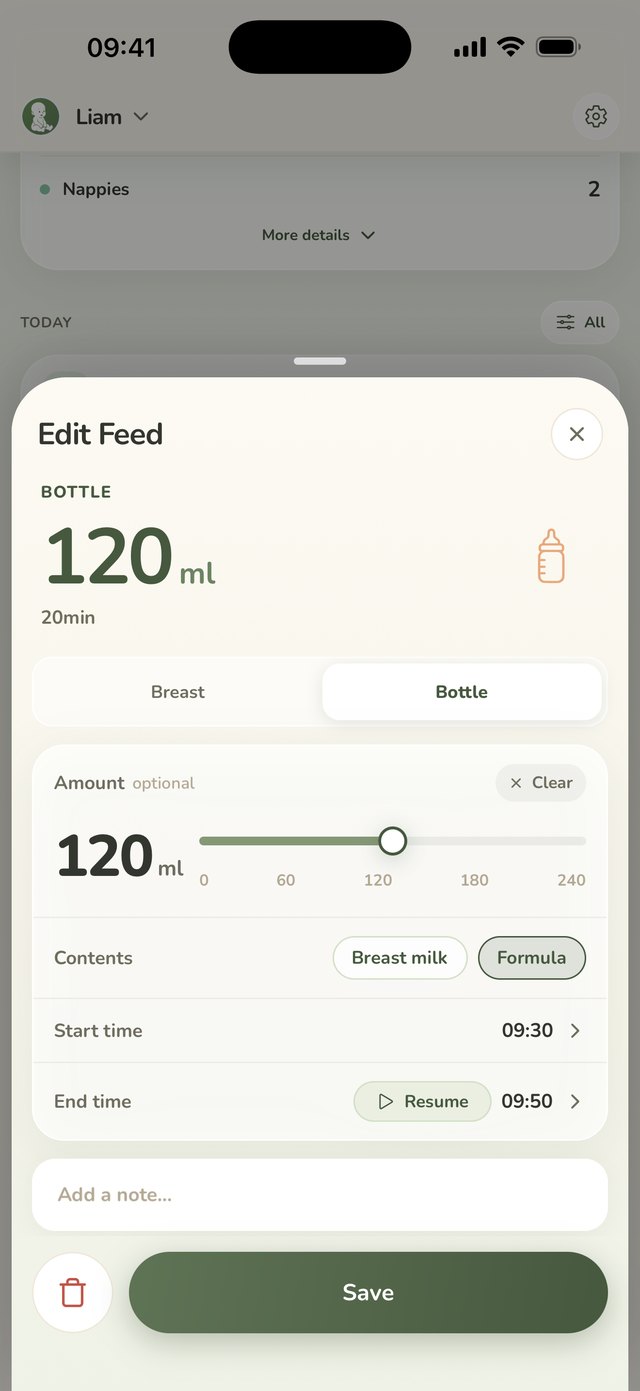
Start a nap and the timer runs everywhere: on the lock screen, in the home-screen widget, on your wrist. Forgot the 4am feed? Add it after the fact in a few seconds, or resume the last one if it turned out not to be over.
Day rhythm
Today's sleeps so far, how long they've been awake right now, and the rest of the day laid out as a plan: the next naps and bedtime, learned from your baby's own last two weeks rather than a generic schedule.
Timeline
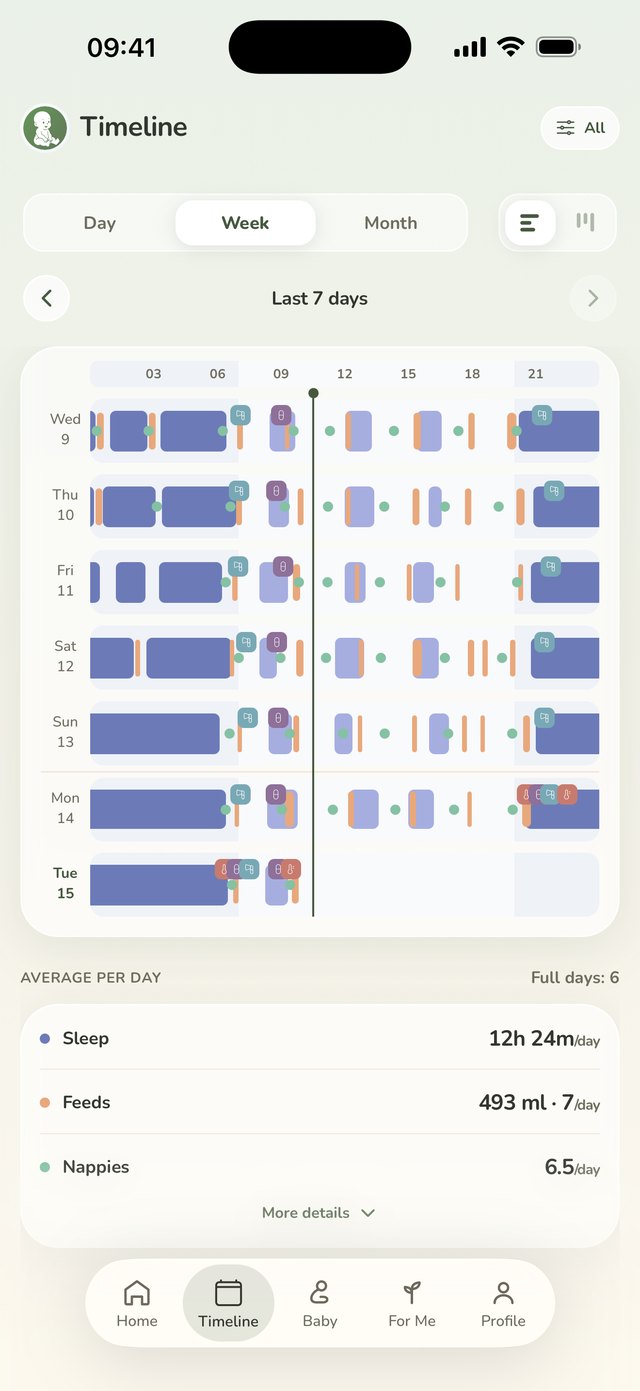
Every day you have logged, as a chart you can read in a second, with the day's own summary underneath it. This is the part that answers "is this new, or has it been happening all week?"
Growth
Add a weight and see where it lands on the official WHO curve for their age and sex, with the percentile written out as a sentence instead of left as a number to interpret. Kilos or pounds, centimetres or inches.
The whole method, with worked numbers, is written out in what a growth percentile actually means.
Health
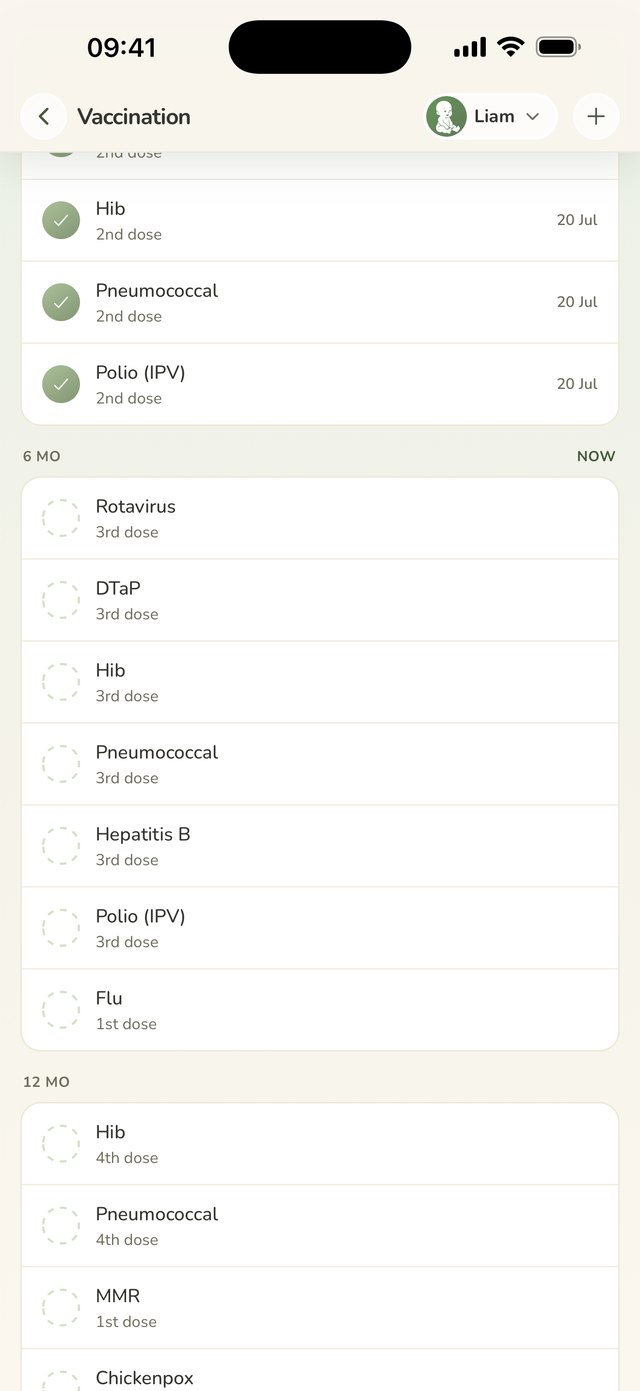
A temperature with how you took it, a medicine with its name, dose and time, and the official vaccination calendar for your country with your own record against it. All of it written down, none of it interpreted for you.
Milk
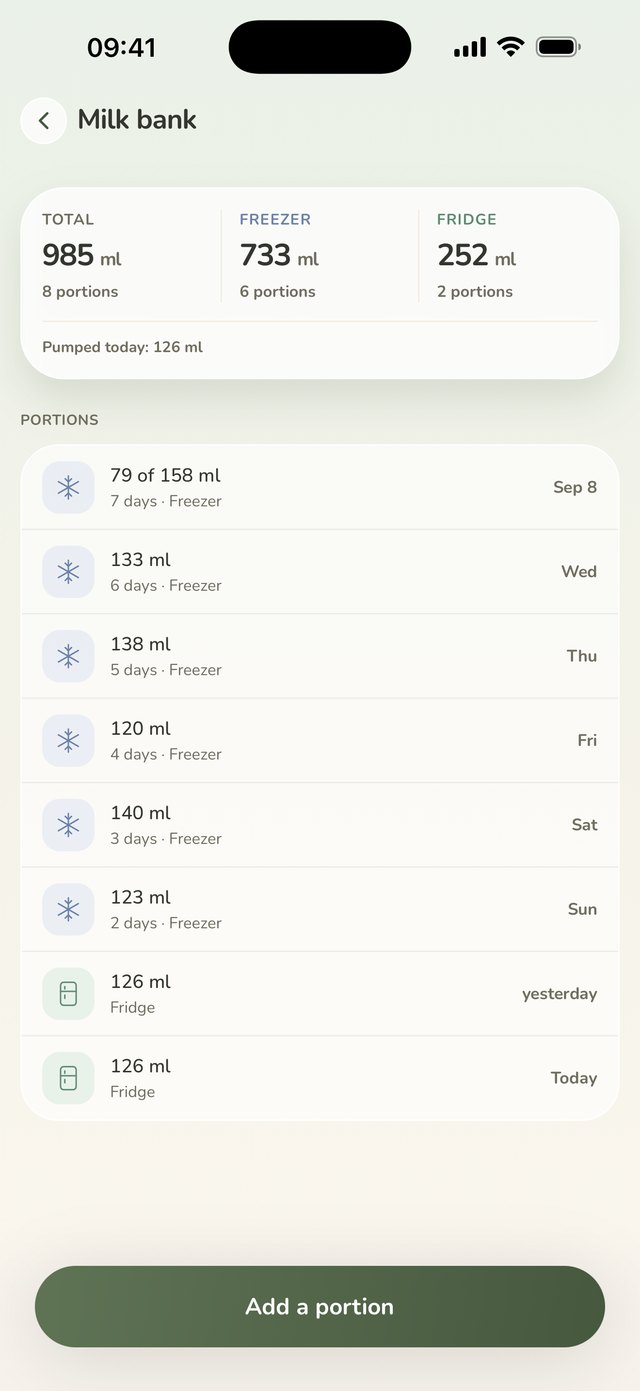
Log a pumping session with its volume and the sides you used, then say where the milk went: into the bank, or straight into the baby. The bank keeps the running total and every portion with its age, so a strip of masking tape stops being the record.
Baby
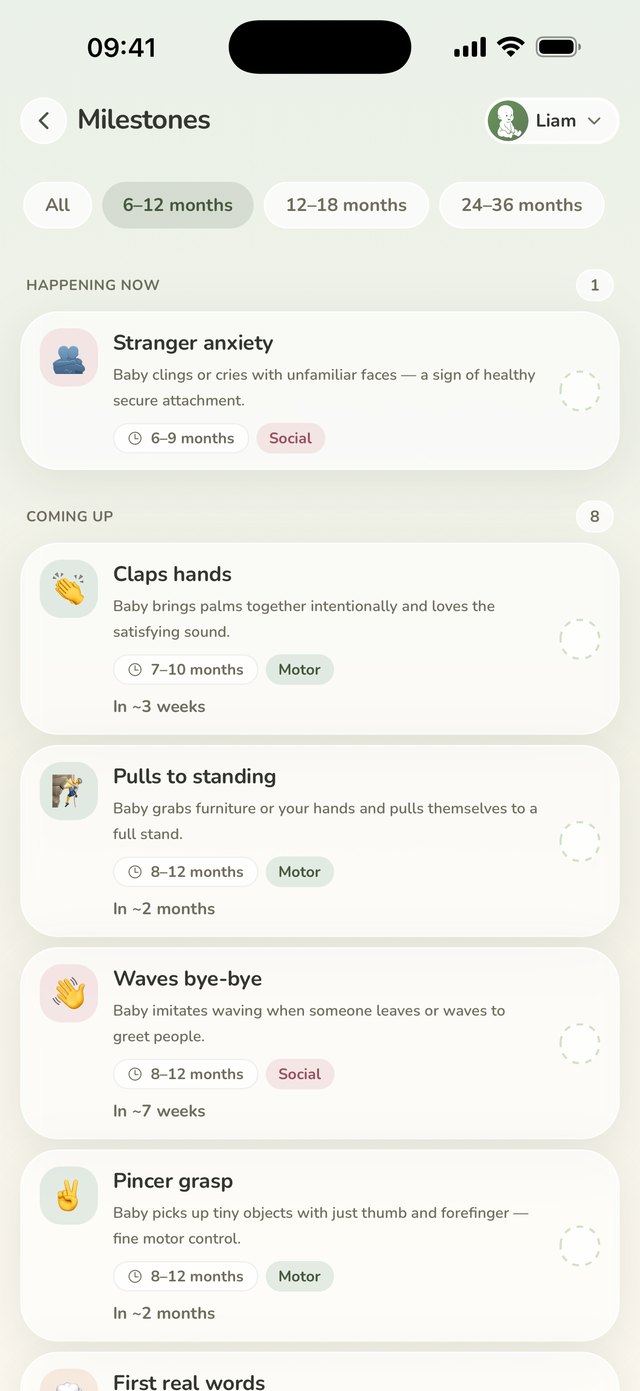
The milestones that belong to the age they're at now, what is developing behind them, and play ideas that fit, so you're not reading a forum at midnight.
For me
A 30-second daily check-in on your energy, mood, body, sleep and sense of support, kept private to you, and breathing exercises for the moments that need one. Keep it up and a small garden fills in behind you.
Also in the box
Invite by email or link. Entries appear on the other phone as they're logged.
Start and stop a feed or nap from your wrist, without finding the phone.
Today's state and the time since the last one, with tap-to-log on the widget itself.
A running session stays visible while it runs. No unlocking to check.
Siblings and twins on one account. Switch from the avatar in any header.
A tidy summary of recent feeding, sleep, growth, solids, temperature, medicine and vaccinations for the visit, or the raw rows as a spreadsheet.
Five light palettes and a dark one, or follow the phone: warm by day, dark for the feeds that happen in the dark.
Copy, dates and units follow the language you pick, not the phone's.
One notification when the next sleep window opens, off until you switch it on. It says what the card says, never what to do.
Which activities are worth logging, and which cards show, belong to the child. The three-year-old doesn't need a diaper button, and temperature only appears once you ask for it.
A new entry saves on the phone with an "on this phone" mark, and syncs by itself when the connection returns.
An invite can be for a nanny instead. They log feeds, sleep and diapers, and cannot touch weights, milestones or who else is in the family.
A reminder a set time after the last feed or pump. The family shares the rule, and it rings only on the phones that turned it on.
Seven sounds, noise and nature, on a timer from 15 minutes to all night. They play offline once downloaded.
A diary the family shares: text, photos and your own #tags. Plus one photo per month, with cards to share.
Growth, milestones and sleep estimates use the corrected age until two years, and every screen that corrects says so.
Your family's data
No trackers, at all
No third-party analytics SDK, no advertising identifier, no App Tracking Transparency prompt, no ad network. There is nothing to opt out of because nothing is there.
Care data stays care data
What is recorded about usage is which app version, language and timezone an account runs. Never a weight, a feeding time, a note, or a child's name.
Private inside the family too
Your own check-ins are readable only by you: a co-parent who shares the child cannot see them. Every row is locked to your family in the database itself.
Free during early access, with no ads and no in-app purchases.